Our free Keyboard Tester Online helps you to check all your keyboard keys are working properly. Simply press any key on your keyboard and see it highlighted in real-time. Keys turn green while held, and stay marked once they’ve been tested — useful for checking a keyboard has no dead or sticky switches.
Keyboard Tester Online
Click anywhere on the page with each button, including the scroll wheel, to test it. Right-click won’t open the browser menu here.
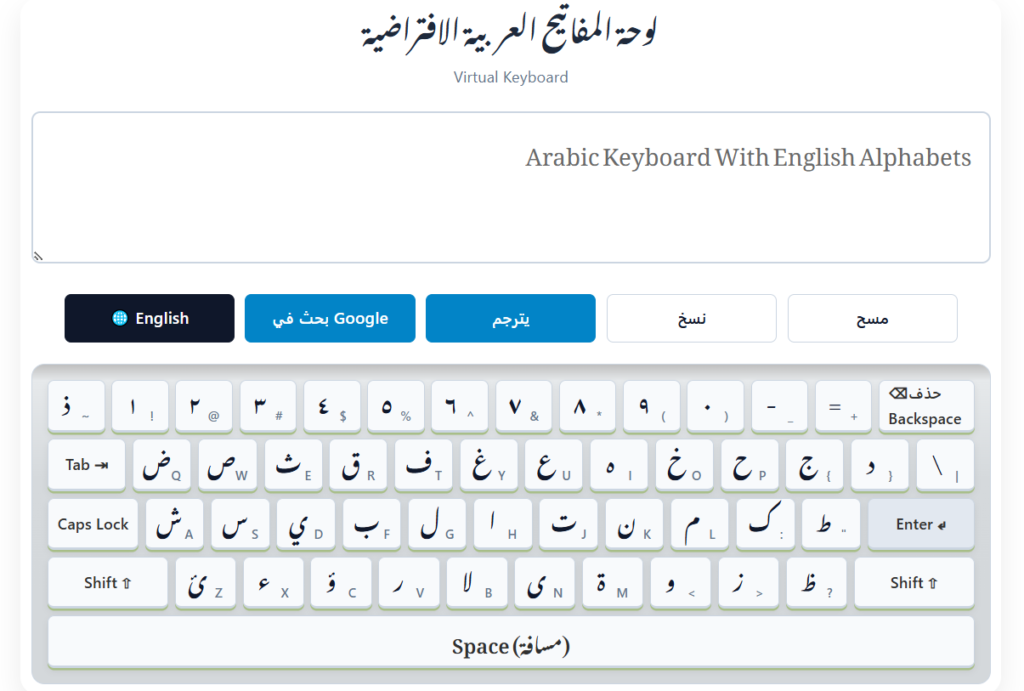
To check the keyboard buttons correctly, use the English keyboard layout with 101 keys!
Why Use Our Keyboard Tester?
Keyboard Tester is the most reliable online tool for testing keyboard functionality across different devices and operating systems. Whether you’re troubleshooting a faulty keyboard, detecting ghosting issues, testing a new purchase, or ensuring all keys work properly after a spill or repair, our interactive keyboard tester provides immediate visual and sounder feedback on key registration and functionality.
Purpose of Keyboard Testing
Purpose of Keyboard Testing to understanding when and why to test your keyboard can save you time and frustration:
- Diagnose hardware issues: Identify which specific keys aren’t functioning properly
- Verify key registration: Ensure all keys register correctly, including function (Fn) keys
- Detect ghosting problems: Test if multiple simultaneous keypresses are registered accurately
- Regular keyboard testing helps maintain productivity by catching issues before they become major problems.
- New keyboard testing: Verify all keys work on a newly purchased keyboard
- Driver troubleshooting: Determine if key recognition issues stem from hardware or software
- Post-repair validation: Confirm keyboard functionality after repairs or cleaning
Our keyboard tester is designed for maximum accessibility with minimal technical requirements:
Key Features of Our Keyboard Tester
Real-time Visual Feedback
See exactly which keys you’re pressing with immediate visual highlighting in different key colors, making it easy to identify any non-functioning keys or troubleshoot device errors.
Keystroke Counter and History
View a record of all keys pressed during your session with our keystrokes counter, helping you track and compare key responses over time and identify inconsistent key registration.
Real-time Sound Feedback
There is optional sounder system in our Keyboard Tester. If you love to hear sound on click each key, then toggle the sound button. On pressing any key on keyboard, you will listen Takk sound.
Light and Dark Theme
Our keyboard support multi themes for better look. You can choose light or dark theme as your choice. It save your settings for your next time browsing. Your eyes will feel comfort at dark theme.
Reset Tested Keys Function
There is button for Reset Tested Keys. May you stuck, want to restart again keys test or busy to anywhere just click on Reset Tested Keys button and start again keys testing.
Support to Test Mouse
An other benefit of our keyboard tester that it support to test your mouse all buttons. Check either Left button, Right button and wheel or working of your mouse or mouse pad.
No Software Installation
Test your keyboard directly in your web browser without downloading or installing any additional software, keyboard driver updates, or custom hand-coded testing software.